

Dynamo Addin
Dynamo Package
A set of tools to automate the most repetitive tasks or gain precision working in Revit
Dynamo Package
In Modelical we have an obsession with information management. For this reason we are continuously developing custom nodes for Dynamo for our own daily use and we share them with the whole community.
Our Package content
The Modelical Dynamo Package has more than 50 nodes. It is structured in 6 main categories:
- Cleanup: Nodes aimed at improving model consistency, allowing you to have a cleaner model and enhance its performance.
- Elements: Nodes prepared to work with native Revit elements, enabling you to create and modify loadable and system families.
- Geometry: Nodes that provide practical tools for working with geometry within Dynamo.
- Help : Do you have any questions? Contact us through the About Us node.
- List: Nodes that assist in working with lists within Dynamo.
- Schedule: Nodes prepared to work with Revit schedules.
- View: Nodes that allow you to generate and modify all types of views and sheets within Revit.
Modelical Dynamo package’s latest version: 2023.10.6 – Reviewed for Dynamo 2.16 and Python 3
How to download our Dynamo package directly from Revit?
- Open the Revit version where you want to install the Package.
- Open a new project to access the “Dynamo” application.
- Within “Manage” / “Visual Programming”, open the “Dynamo” application.
- Once Dynamo is open, access the top bar and select “Packages” / “Search for a package…”
- Search for the “Modelical” package and click on “+ Install”.
Do you want to learn more about our nodes?
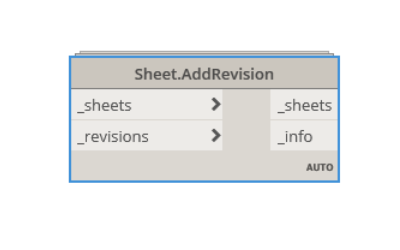
Sheet.AddRevision
This node adds the selected revisions for the selected sheets. It belongs to Modelical.Views.Sheet category and it's available in the Model...
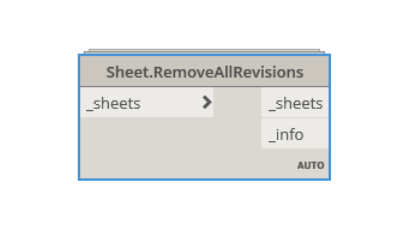
Sheet.RemoveAllRevisions
This node deletes all revisions from the selected sheets. It belongs to Modelical.Views.Sheet category and it's available in the Modelical ...
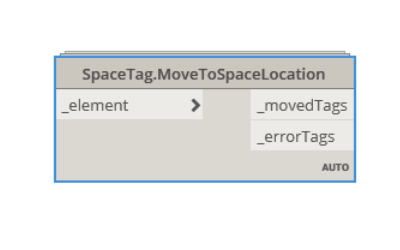
SpaceTag.MoveToSpaceLocation
This node moves the space tag location of the selected tags to the associated space location. It belongs to Modelical.Elements.SpaceTag cat...
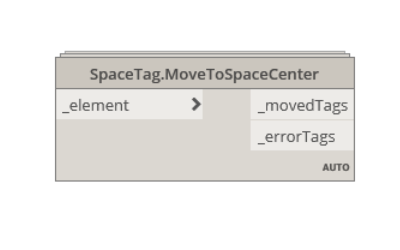
SpaceTag.MoveToSpaceCenter
This node moves the space tag location of the selected tags to the closest possible point to the associated space geometrical center. It be...
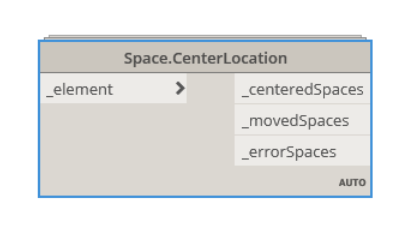
Space.CenterLocation
This node moves the space location of the selected spaces to the closest possible point to the geometrical center. It belongs to Modelical....
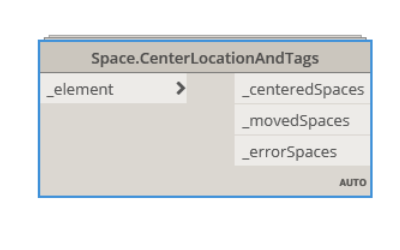
Space.CenterLocationAndTags
This node moves the space location of the selected spaces to the closest possible point to the geometrical center. Also modifies the associa...
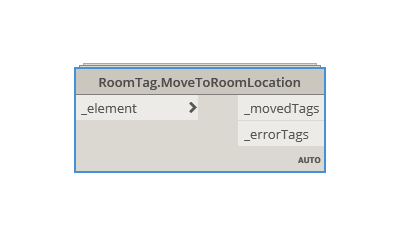
RoomTag.MoveToRoomLocation
This node moves the space tag location of the selected tags to the associated space location. It belongs to Modelical.Elements.RoomTag cate...
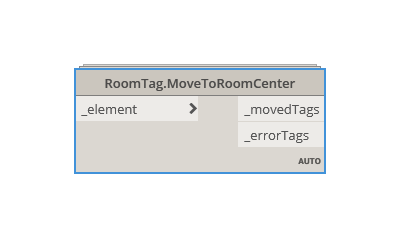
RoomTag.MoveToRoomCenter
This node moves the room tag location of the selected tags to the closest possible point to the associated room geometrical center. It belo...

Room.CenterLocation
This node moves the room location of the selected rooms to the closest possible point to the geometrical center. It belongs to Modelical.El...

Room.CenterLocationAndTags
This node moves the room location of the selected rooms to the closest possible point to the geometrical center. Also modifies the associate...

Wall.WallFinishesBySpace
This node places space wall finishes using the info contained in the parameters (selected by name) where is defined the wall finishes type a...

Wall.WallFinishesByRoom
This node places room wall finishes using the info contained in the parameters (selected by name) where is defined the wall finishes type an...
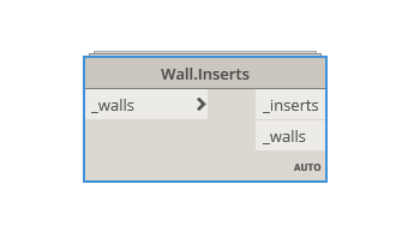
Wall.Inserts
This node gets all the inserts in a wall. It belongs to Modelical.Elements.Wall category and it's available in the Modelical DynamoPackage....

View3D.CreateForEachWorkset
This node creates a new 3D view for each workset in the model. It leaves only one workset visible. It belongs to Modelical.Views.View3D ca...

View.GetViewsByType
This node gets all views in the project classified by type. It belongs to Modelical.Views.View category and it's available in the Modelical...
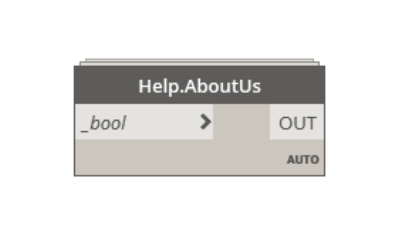
Help.AboutUs
This node links you to our web site. It belongs to Modelical.Help.Help category and it's available in the Modelical DynamoPackage....