

Online training
Campus English
The training and evaluation solution for AEC companies
Train, measure, analyse and manage skill proficiency for AEC industry
Campus is the solution that Modelical has designed to help AEC companies to have a clear understanding of their business objectives and be able to devise and implement policies to select, develop and retain the right staff needed to meet these objectives.















Features
- Yearly access to best in class online learning content. Each company gets its own branch with courses, discussions and reports.
- Support from experienced specialists and a dedicated account manager.
- Evaluation and assignment tool with access to the main profiles in the AEC industry and associated tests.
- Reporting tools. Each campany will have direct access to reports.

Courses
Best-in-class learning content
We have developed Campus online video courses for you to get to the point and learn the design tools and technologies you need in your day-to-day work.
Key benefits
Gain control in your team's knowledge
Achieve your company goals

Make your training plan organised and efficient

Automatically assign courses based on the level of your team

Learn what you need

Everything online

Evaluate your candidates

"The training at Campus has been very useful, starting from basic knowledge, we have successfully acquired the necessary skills to understand and be able to set up the BIM methodology within ABAA Arquitectura.
In addition, the whole team has received the training, being able to adapt it to their schedules and particular circumstances, as it is always available. It has helped us to consolidate our knowledge and acquire new ones, thanks to the continuous training on the online Campus.
On balance, the training received by Modelical has helped us to improve and expand our knowledge of BIM modeling and BIM methodology".
Pricing
Business plan
A company
Plan features:
- Yearly access to best in class learning content in an online platform.
- Support from experienced specialists and dedicated account manager.
- Evaluation and assignment tool - Sharp. With access to the main profiles and associated tests
- Reporting tools. Each company will have direct access to reports.
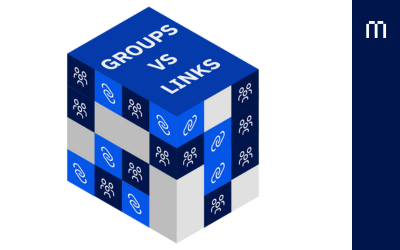
Revit Links vs. Groups: Which Is Better?
Key aspects to consider before choosing Revit links or groups for your project....
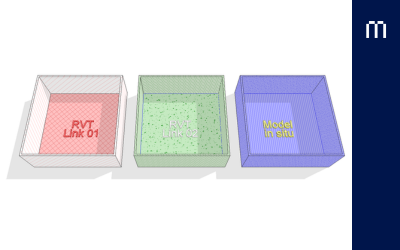
Managing linked views in Revit
The objective of this Guideline is to propose a workflow to achieve a consistent visualization of the base plans in all project documentatio...

Materials in Revit (I)
Materials are often a neglected aspect of our models. It is necessary to plan in advance to know what should be the minimum aspects to be c...
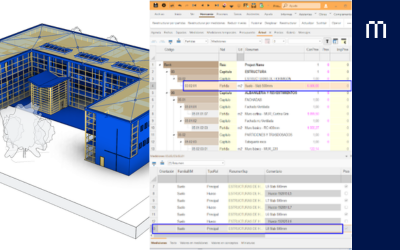
Bills of Quantities : Revit to Cost-it and Presto.
How to prepare the BIM model to correctly export the measurements from Revit 2023 to Presto using the Cost-it add-in....
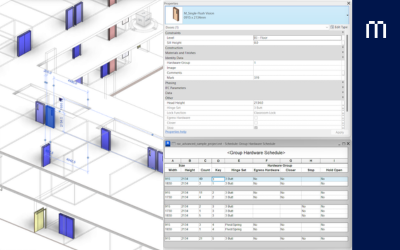
Revit Key Schedules
Key Schedule can be used to add consistent information by typifying the desired kind of elements parameters...
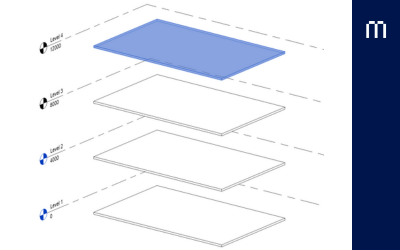
Floor creation in Revit
The objectives of this guideline are to understand what floors are in Revit, to learn how to create a new architectural or structural floor,...
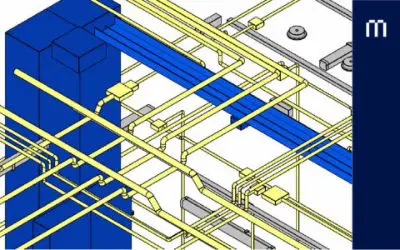
Electrical Modelling
The objectives of this guideline are to achieve a deep understanding of electrical distribution families, to create switch and power-lightin...
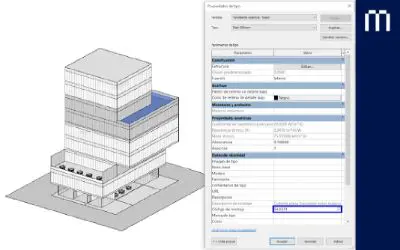
Keynote and Assembly Code
In Revit, there are system parameters that allow us to enter values in a model’s families and link them to an external classification syst...
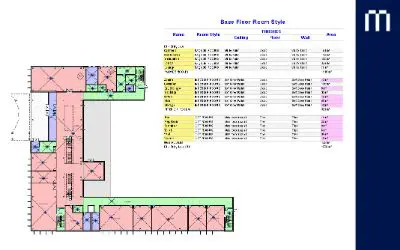
Model Schedules
A BIM model is a database. Each element that constitutes the model is defined through data. Some of this data regards the element’s geomet...
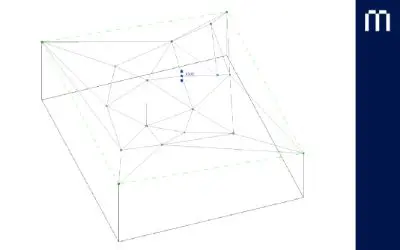
Topography with toposolids
Toposolids is a tool available starting in Revit 2024 that is used to work with topographic elements that are defined from elevation points ...
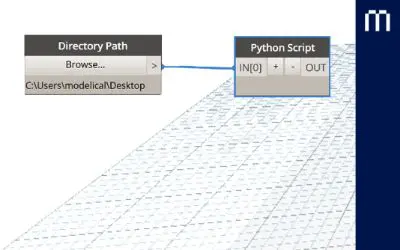
Exporting a multi-site model to IFC
Exporting models to IFC format is needed to consume them outside the Revit environment. IFC models are commonly used for clash detection, de...
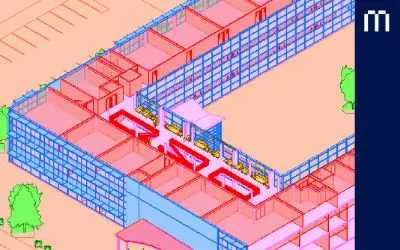
Worksets
The objective of this guide is to understand the need for better team coordination, to distribute work in a proper way so that work from dif...
Solutions for Document Management
In the exciting world of AEC projects, we are constantly faced with the challenge of managing a large amount of documentation. Imagine havin...
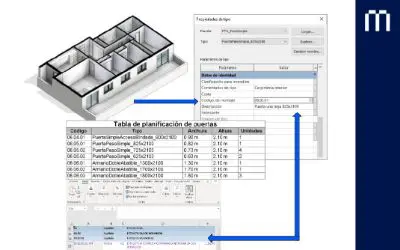
How to perform Quantity Take-Off in a BIM project
A BIM model is a container of information that we can also use to do quantity take-off as long as it is properly set up for it. We are talki...

IFC4 based automations for Verde
Given the model of a building in IFC4 format, automate the computation of two Verde indicators with an open standard, cost free and vendor-n...
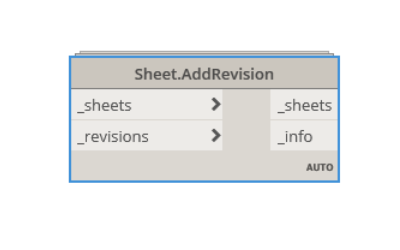
Sheet.AddRevision
This node adds the selected revisions for the selected sheets. It belongs to Modelical.Views.Sheet category and it's available in the Model...