

Insights
-
Case studies
Selected experiences and success stories from our customers
-
Works
Our completed portfolio of projects in which we have participated
-
Guidelines
Papers, procedures and guides that help you make the most of BIM and BuiltTech tools
-
Nodes
Macros, scripts, binaries and links that make your life easier
-
News & events
Our latest updates, press releases, trips and findings
-
Videos
A collection of events, webinars, interviews and product videos
Filter by
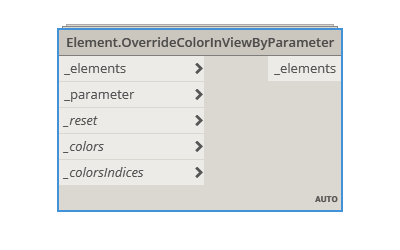
Element.OverrideColorInViewByParameter
This node modifies the visualization of the elements in the active view by selected parameter values. It allows controlling color range and ...
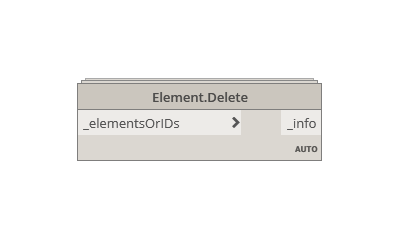
Element.Delete
This node deletes Revit elements of the active project file, using the element ID or the element itself. It belongs to Modelical.Elements.E...
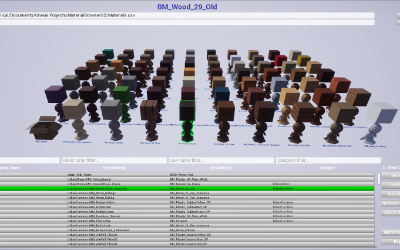
Materials Browser
This Unreal project allows us to manage easily our material library, in addition we have the functionality to match a list of Revit Material...
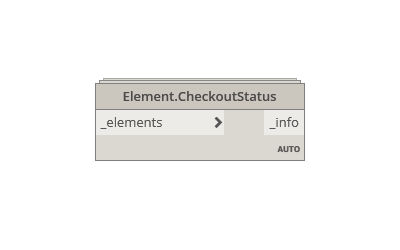
Element.CheckoutStatus
This node gets information about ""Creator:"", ""Last update in central performed by:"" and ""Current Owner:"" of an element in the active p...
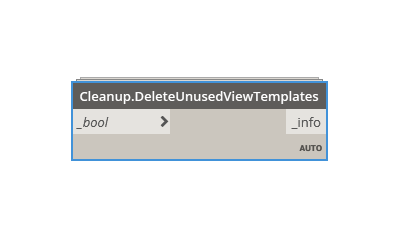
Cleanup.DeleteUnusedViewTemplates
This node deletes all unused view templates in the project file. It belongs to Modelical.Cleanup category and it's available in the Modelic...

Advanced Materials
This guideline is about creating a material that allows us to show a fake section in Unreal Engine. This lets us create interactive sections...

Cleanup.DeleteUnusedFilters
This node deletes all unused filters in the project file. It belongs to Modelical.Cleanup category and it's available in the Modelical Dyna...

Materials II
Brief revision of the most useful material functions within Modelical workflow....

Materials I
Physically Based Rendering (PBR) is a method of shading and rendering that provides a more accurate representation of how light interacts wi...

Blutilities
Blutilities (blueprint + utility) are a way to expand the functionalities inside Unreal editor interface. Users can create as many blutiliti...

Cleanup.DeleteImportedLinePatterns
This node deletes all the imported line patterns generated when importing CAD files. It belongs to Modelical.Cleanup category and it's ava...
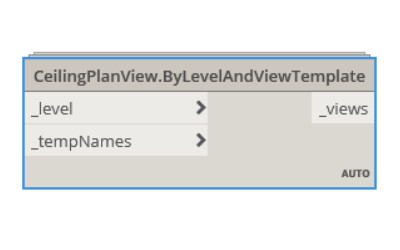
CeilingPlanView.ByLevelAndViewTemplate
This node creates a new ceiling plan based on a level and a view template (selected by name). It belongs to Modelical.Views.CeilingPlanView...
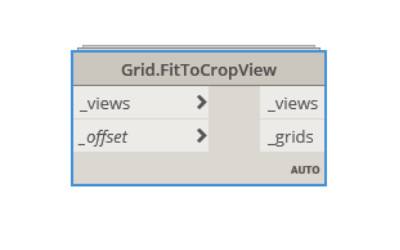
Grid.FitToCropView
This node fits the grids to the crop view on the selected views. It belongs to Modelical.Elements.Grid category and it's available in the M...
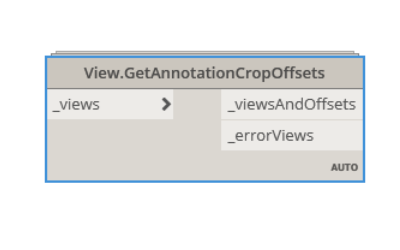
View.GetAnnotationCropOffsets
This node gets the annotation crop view offsets from the selected views. It belongs to Modelical.Views.View category and it's available in ...
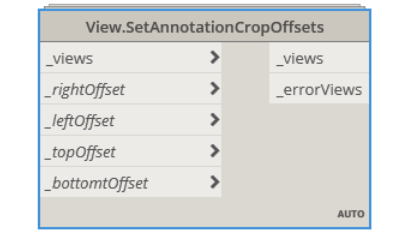
View.SetAnnotationCropOffsets
This node sets the annotation crop view offsets in the selected views. It belongs to Modelical.Views.View category and it's available in th...
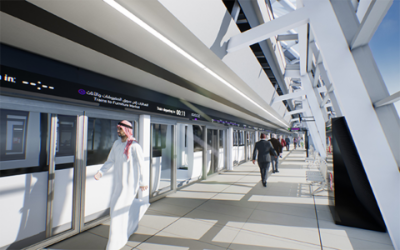
Interactive model of Riyadh Metro
Modelical developed an interactive application for the validation of the final finishes of Riyadh metro stations....
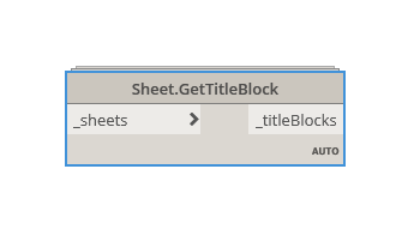
Sheet.GetTitleBlock
This node gets the title block from the selected sheets. It belongs to Modelical.Views.Sheet category and it's available in the Modelical D...

Madrid Dynamo User Group Meeting
Every day there are and more Dynamo users across the globe. Dynamo User Group groups have emerged in cities such as Boston, Chicago, San Fra...
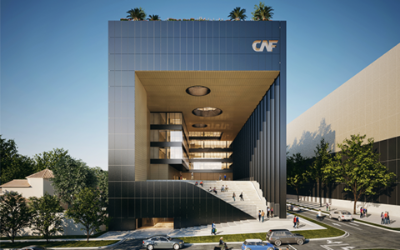
Development Bank of Latin America
Modelical was brought in by Mallol & Mallol as an external consultant to provide guidance, advice and development capacity. The main service...
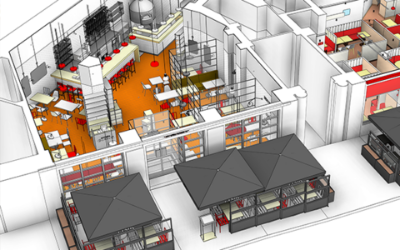
BIM Implementation at GRUPO VIPS
Modelical performed the BIM Implementation in Grupo VIPS. The contract consisted of two items: The first one was focused on consistency amo...