

Insights
Reset all insights-
Case studies
Selected experiences and success stories from our customers
-
Works
Our completed portfolio of projects in which we have participated
-
Guidelines
Papers, procedures and guides that help you make the most of BIM and BuiltTech tools
-
Nodes
Macros, scripts, binaries and links that make your life easier
-
News & events
Our latest updates, press releases, trips and findings
-
Videos
A collection of events, webinars, interviews and product videos
Filter by
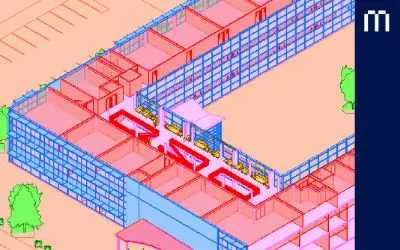
Worksets
The objective of this guide is to understand the need for better team coordination, to distribute work in a proper way so that work from dif...
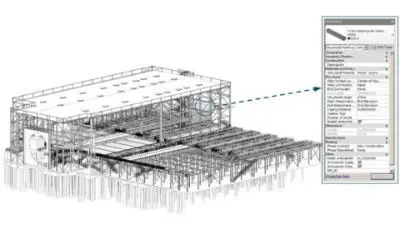
Structure Evaluation
BIM Structure Database Document Management. How much does it cost? Facilities tend to have poor, unconnected and unreliable documents and dr...
Accessing shared files
This document explains the ways of access to files between computers on a network, including recommendations to properly access Revit centra...
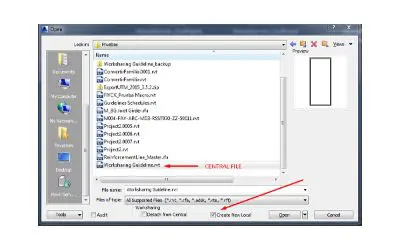
Worksharing
Worksharing implies that every user works against the same file, that is, a common repository, and not with independent and fragmented files...
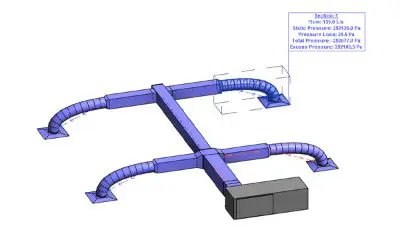
Mechanical Settings
The objectives of this guideline are to understand Revit Mechanical settings structure, understand Revit Pipe settings structure and learn h...
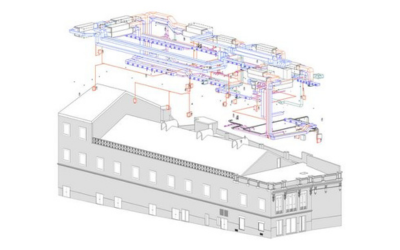
Electrical Systems
Specialiced features of electrical modeling in Revit, including distribution systems and templates ...
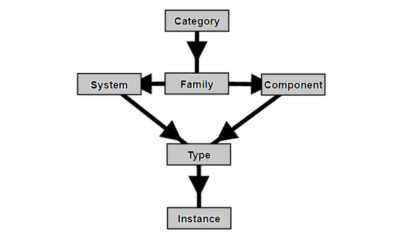
Data Hierarchy
The objective of this guideline is to understand how data inside Revit models is organised, in order to define the approach when modelling a...
Project Phasing
The objective of this guideline is to understand the possibilities of working with phases ...
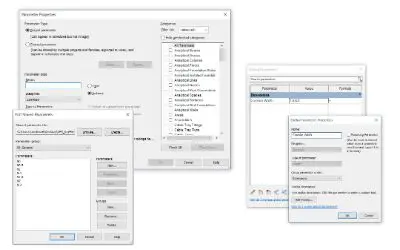
Model Parameters
The objective of this guideline is to understand the difference between types of parameters in Revit models and families, and what are they ...
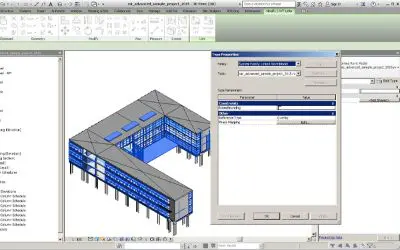
Links & Copy/Monitor
The objective of this guideline is to understand when Copy/Monitor is useful and worthy and to be able to decide when and why copy/monitor s...
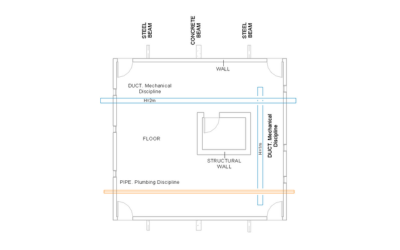
View Discipline in Revit
Can I change the settings of each View Discipline? What changes when switching from one discipline to another? In the View Properties window...