

Insights
-
Case studies
Selected experiences and success stories from our customers
-
Works
Our completed portfolio of projects in which we have participated
-
Guidelines
Papers, procedures and guides that help you make the most of BIM and BuiltTech tools
-
Nodes
Macros, scripts, binaries and links that make your life easier
-
News & events
Our latest updates, press releases, trips and findings
-
Videos
A collection of events, webinars, interviews and product videos
Filter by
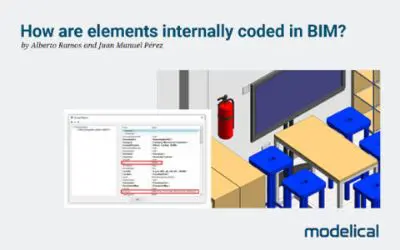
How are elements internally coded in BIM?
The internal coding of BIM elements is something that common users usually ignore, since it is not displayed on the software interfaces. How...
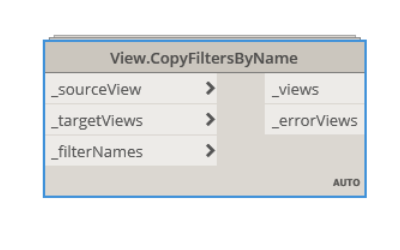
View.CopyFiltersByName
This node copies some filters (selected by name) in a view to another one. It belongs to Modelical.Views.View category and it's available i...
Why an As Built is not an FM model?
It is quite common to hear about models in the Design or Construction phase that are going to be used as a FM model later on. . However, man...
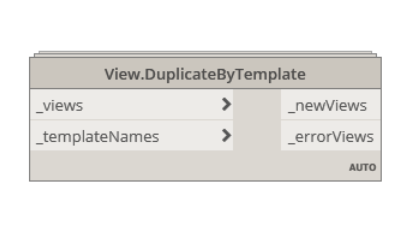
View.DuplicateByTemplate
This node duplicates the selected view as many times as view templates (selected by name). Also applies the corresponding view template. I...
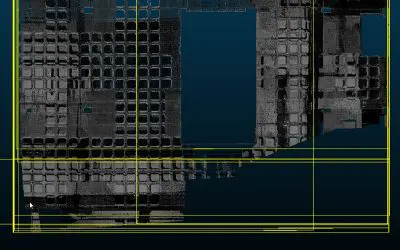
Georeferenced Point Clouds
Transform georeferenced point clouds to Revit Projects local coordinate system, avoiding problems with big coordinate values...
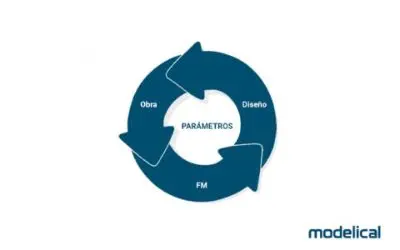
Parameter’s life cycle in BIM models
We all agree that BIM models are containers of structured information. We also agree that a model can evolve over time in the same way that ...

View.DuplicateAsDependentByScopebox
This node duplicates the selected view as dependent for every selected scope box. Also modifies the new view name and applies the correspond...
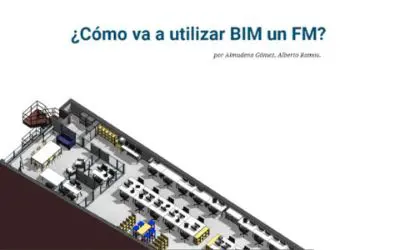
Digitization and Assets Management
Using BIM for FM Much has been said about the benefits of the BIM for the Facility Management phase but it has not been explained how these ...

View.CopyViewRange
This node copies the view range from a view to another one. Also modifies the cut plane regardless of the view level. It belongs to Modelic...
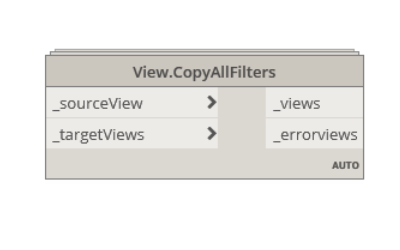
View.CopyAllFilters
This node copies all the filters with their settings from a view to another one. It belongs to Modelical.Views.View category and it's avail...
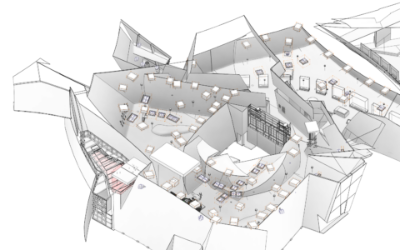
BIM and Facility Management
The digitalization of the built environment Consulting the mobile or tablet on site and in maintenance operations is close to becoming somet...

Collaborating Remotely
From Modelical we want to share with you some tips and tricks to continue working in a remote and collaborative way. Best practices and info...

Project BIM Management
Relationship between developer, builder and consultant February 27th we celebrated this webinar. If you missed the webinar session now you h...
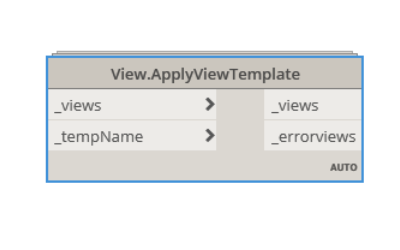
View.ApplyViewTemplate
This node applies a view template (selected by name) to the selected view. It belongs to Modelical.Views.View category and it's available i...
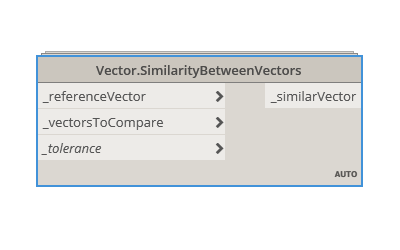
Vector.SimilarityBetweenVectors
This node checks if two vectors are similar with an absolute tolerance. It belongs to Modelical.Geometry.Vector category and it's available...
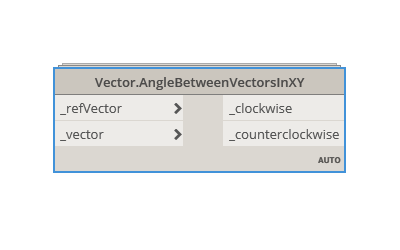
Vector.AngleBetweenVectorsInXY
This node returns the angle that forms a vector with another reference vector, clockwise and counterclockwise. The vectors are calculated in...
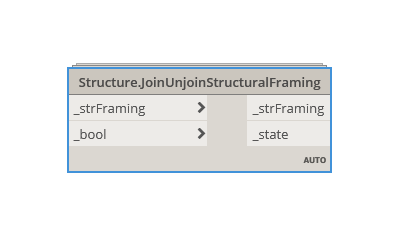
Structure.JoinUnjoinStructuralFraming
This node allows or disallows join condition at structural framing ends. It belongs to Modelical.Elements.Structure category and it's avail...
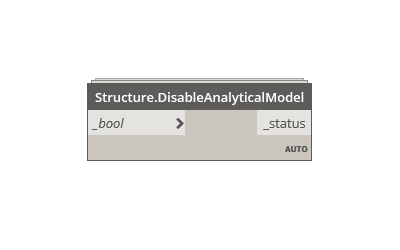
Structure.DisableAnalyticalModel
This node enables or disables the analytical model. It belongs to Modelical.Elements.Structure category and it's available in the Modelical...
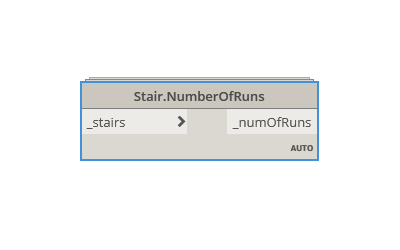
Stair.NumberOfRuns
This node returns the number of runs of the selected stair. It belongs to Modelical.Elements.Stair category and it's available in the Model...