

Insights
-
Case studies
Selected experiences and success stories from our customers
-
Works
Our completed portfolio of projects in which we have participated
-
Guidelines
Papers, procedures and guides that help you make the most of BIM and BuiltTech tools
-
Nodes
Macros, scripts, binaries and links that make your life easier
-
News & events
Our latest updates, press releases, trips and findings
-
Videos
A collection of events, webinars, interviews and product videos
Filter by

The National Museum of Qatar Project
Some notes on information management >Panoramic view of Gallery nº. 2 of the NMoQ as shown in the model through our DejaVu app I think I...

Wall.WallFinishesBySpace
This node places space wall finishes using the info contained in the parameters (selected by name) where is defined the wall finishes type a...
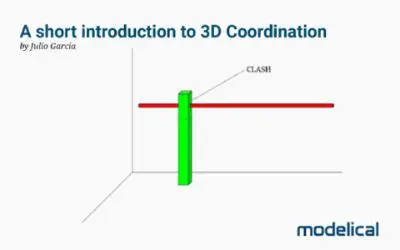
A short introduction to 3D Coordination
Much more than detecting clashes The quintessential BIM use Are the generated models coordinated? What is a coordinated model? These are que...
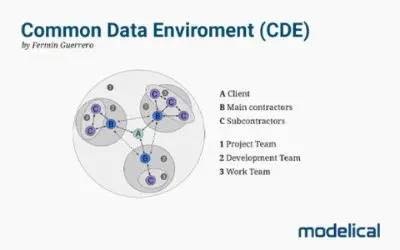
Common Data Environment (CDE)
Analysis and selection A Common Data Environment (CDE) is a software tool that allows the different agents involved in a construction projec...
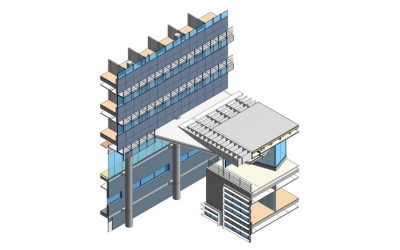
BIM modelling and consultancy for FM
Office campus in Alicante The use of BIM for Facility Management is an emerging application that takes benefit from the information containe...

Wall.WallFinishesByRoom
This node places room wall finishes using the info contained in the parameters (selected by name) where is defined the wall finishes type an...
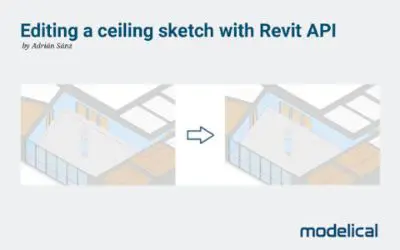
Editing ceiling sketch with Revit API
We show you how to do it using programming In many projects we will have to model the finishes, which can be a laborious task depending on t...
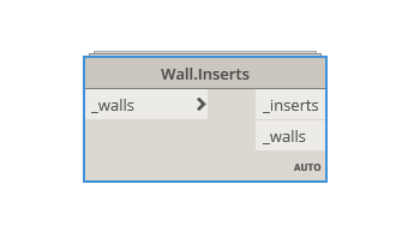
Wall.Inserts
This node gets all the inserts in a wall. It belongs to Modelical.Elements.Wall category and it's available in the Modelical DynamoPackage....
MEP and Dynamo
Si no pudiste asistir al webinar o simplemente quieres volver a ver la sesión, aquí te dejamos la grabación: Procedimientos para tratar l...
Quality Control
We are pleased to share with you the recording of our last session: Quality Control. Methods and tools to control BIM models. if you couldn&...

View3D.CreateForEachWorkset
This node creates a new 3D view for each workset in the model. It leaves only one workset visible. It belongs to Modelical.Views.View3D ca...
BIM Modeling of Existing Conditions
BIM modelling from point clouds guideline, with tips and best practices to improve its use as reference...

Point clouds and 3D scan
Francisco Tabanera talks about the possibilities of 3D scanning and point clouds, and how we use this technology at Modelical....

View.GetViewsByType
This node gets all views in the project classified by type. It belongs to Modelical.Views.View category and it's available in the Modelical...
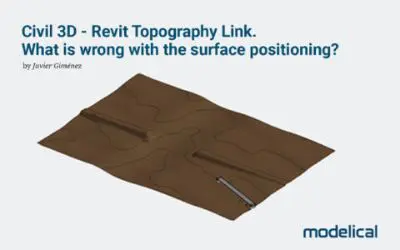
Civil 3D – Revit Topography Link
What is wrong with the surface positioning? In this post the process to export a topographic surface from Civil 3D to Revit through Desktop ...
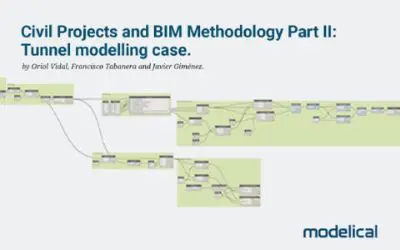
Civil projects and BIM Methodology II
Part II: Tunnel modelling case Among the available BIM tools, Revit (editing software) and Dynamo (visual programming software on Revit) wil...
Digitization in Data Centers
The effervescence of the Data Center The Data Center business is growing: the use of cloud-dependent technologies, security in corporate ope...
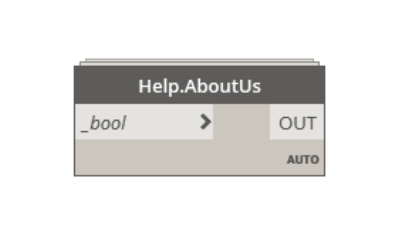
Help.AboutUs
This node links you to our web site. It belongs to Modelical.Help.Help category and it's available in the Modelical DynamoPackage....
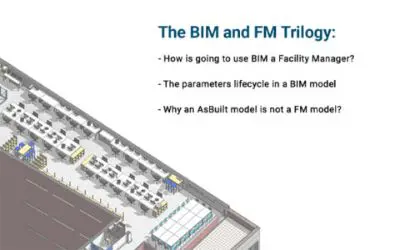
BIM and FM trilogy
We recommend the cross reading of these 3 Posts previously published, we call them the BIM and FM Trilogy: How is going to use BIM a ...
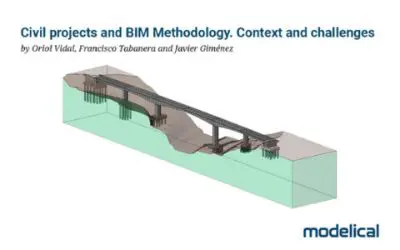
Civil projects and BIM Methodology
Part I: Context and challenges 1. Context In 2019, Spanish agencies such as ADIF and AENA have awarded contracts to implement the BIM method...